Notes in Sudoku
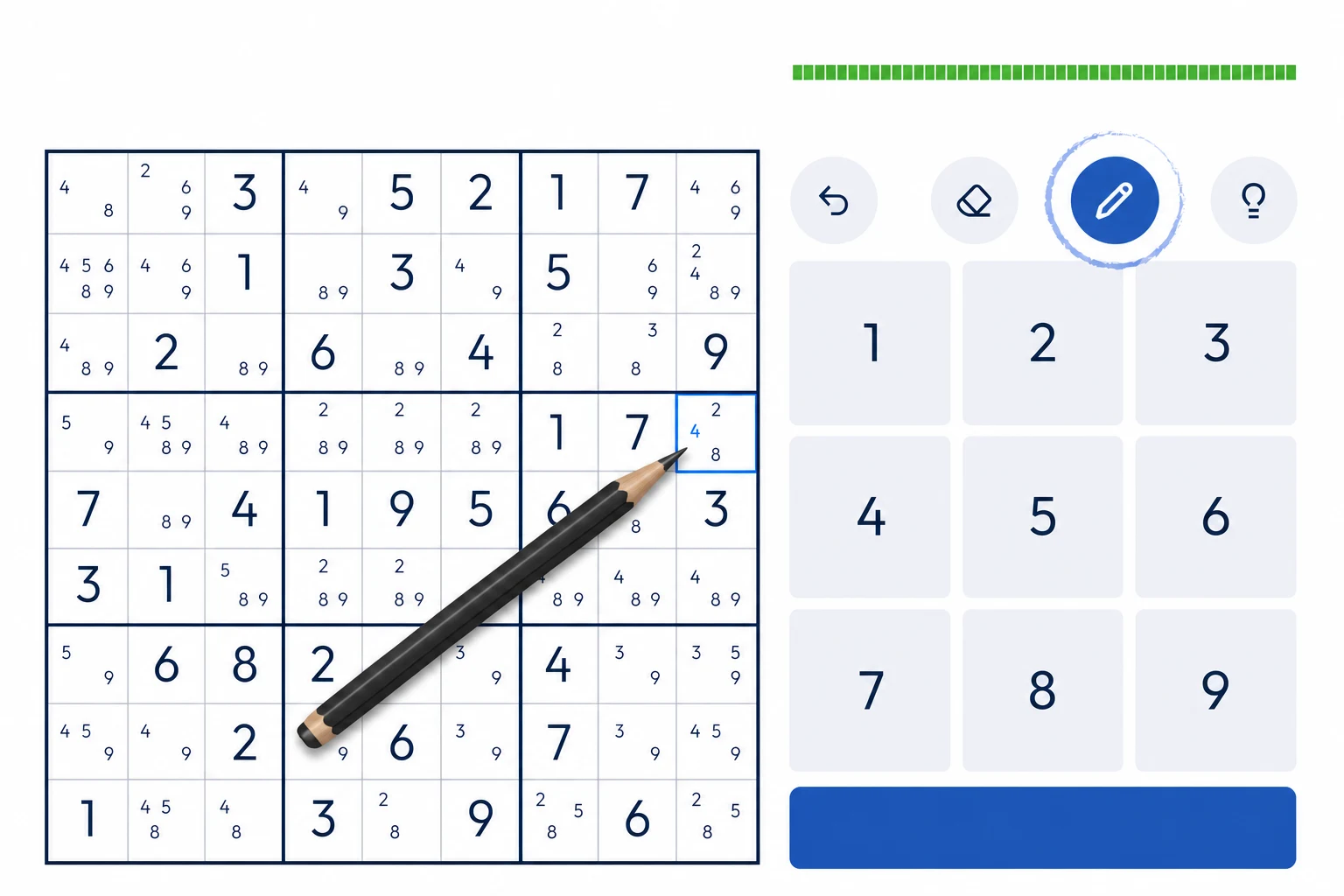
Notes, or pencilmarks, record the candidates that remain in each unsolved cell after placed digits and earlier sound eliminations are applied. They make candidate relationships visible but do not create the deductions themselves.
Why use notes?
A full candidate state records every digit still possible in each unsolved cell. Start by excluding conflicts with placed digits, then preserve candidates removed by sound logical deductions; recomputing only from givens would incorrectly restore them. Singles, subsets, fish, ALSs, and AICs can then be read from the current state.
How to fill notes
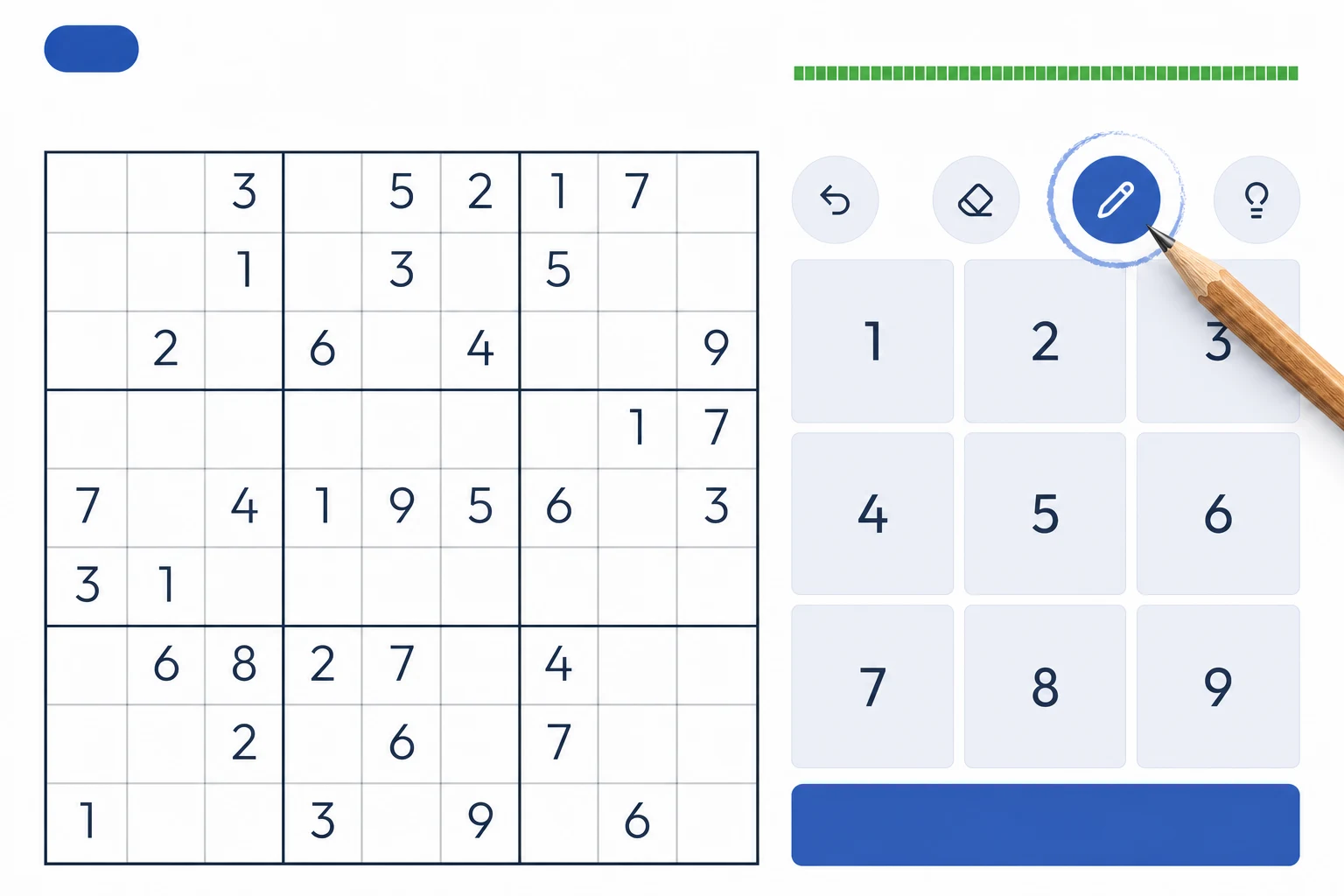
For each empty cell on the sudoku grid, consider the digits 1 through 9. Exclude any digit that already appears in the same row, column or 3×3 box as the cell. The remaining digits are your candidates — write them small within the cell. On Sudoked.com, you can activate the Pencil mode and tap to place notes manually, or use long-tap to auto-fill every cell with its correct candidates instantly. Consistent, accurate notes are more important than speed: a single missed candidate can hide a crucial deduction for dozens of moves.
Tip: press and hold the Notes (pencil) icon to automatically fill every empty cell with all currently valid candidates.
From notes to solutions
Use notes as a faithful state record. A naked single has one candidate; locked sets compare candidate unions; hidden sets compare position unions; fish track one digit across base and cover houses; ALSs and AICs require precise occurrences and links. Written marks help inspection, while the logical conditions justify the move.